
How-to
One test DOCX. Two devices. Then you may trust sync.
Sign-in is optional for local work. If you want the phone to see the laptop file, test with something disposable first. This site is an independent handbook and is not affiliated with Kingsoft Office Software Corporation Limited.
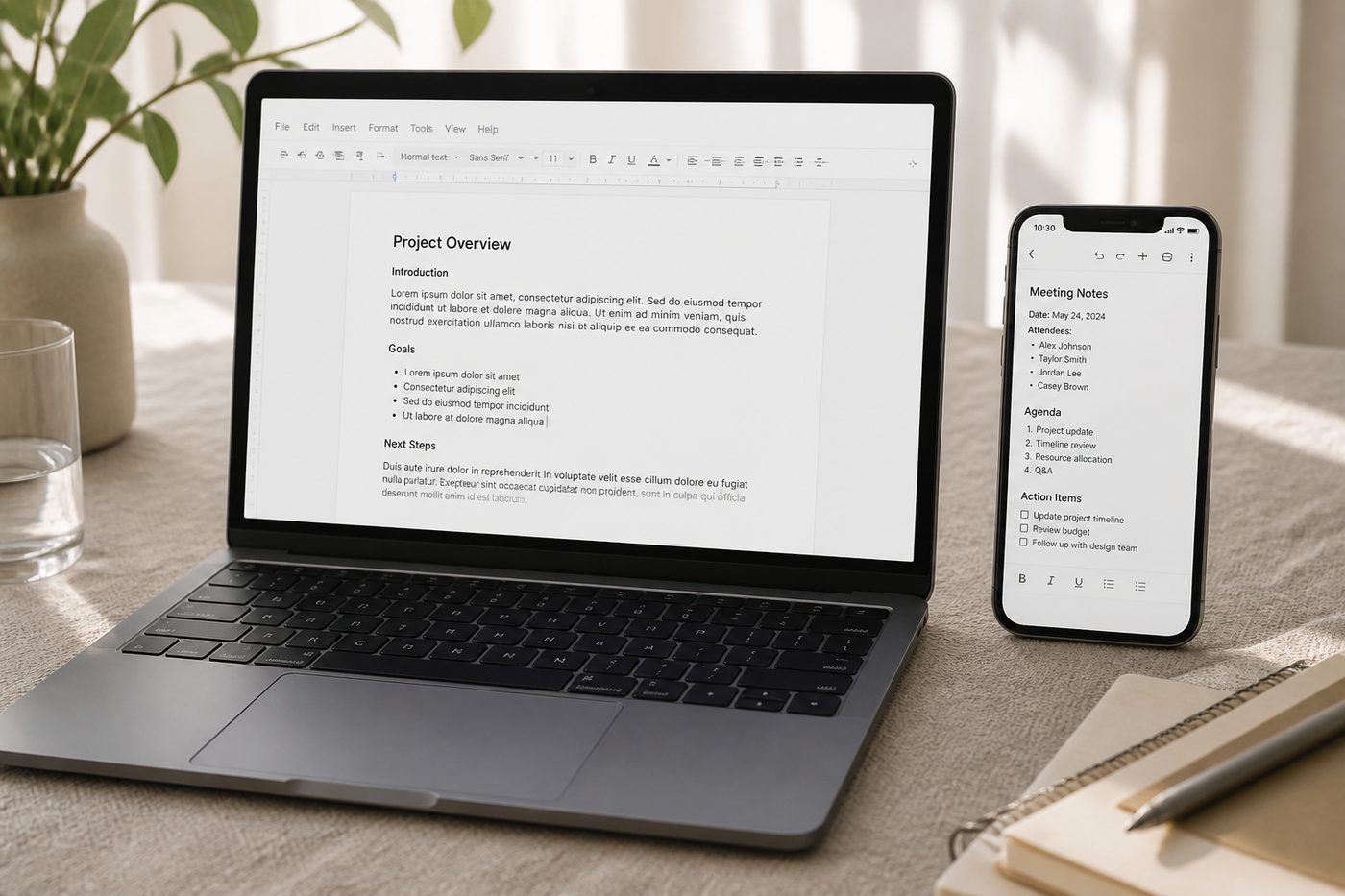
Before you start
Install each client from official stores. Side-loaded APKs turn sync into a malware problem. Sign-in is optional for local work.
If you want the phone to see the laptop file, test with something disposable first. Never use the only copy of a thesis as the experiment.
Steps
- Install official clients Desktop from wps.com/download or 9NSGM705MQWC. Android from Play cn.wps.moffice_eng. iOS from App Store id1491101673.
- Sign in on both Same Kingsoft account. Skip this entirely if you want files to stay local.
- Upload a disposable DOCX Not your thesis. A file named test-sync is enough.
- Open it on the second device If it fails, it is account, quota, or network — not Writer. Check Cloud quota on the cloud page.
- Keep a local copy of anything precious Sync is a convenience. It is not your only backup.
If it still fails
See collaboration.