
How-to
Boxes on Ubuntu are a font pack, not a corrupt Deb.
Windows-origin DOCX files expect fonts Linux does not ship. Install coverage, then reopen. Do not replace the package with a random four-year-old build. This site is an independent handbook and is not affiliated with Kingsoft Office Software Corporation Limited.
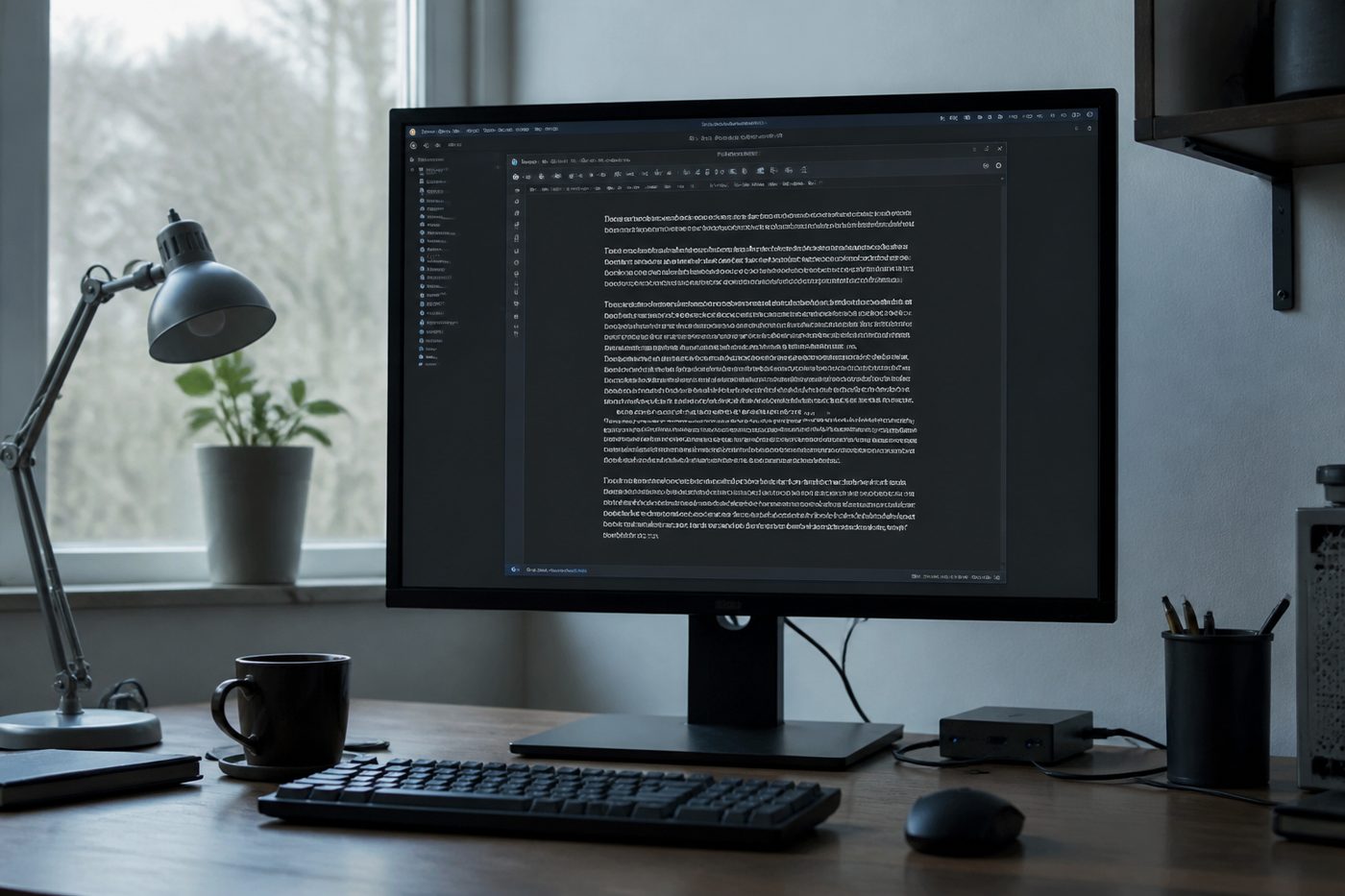
Before you start
Install only from the official Linux page. This handbook does not host Deb or RPM files. Boxes on Ubuntu are a font pack, not a corrupt Deb.
Windows-origin DOCX files expect fonts Linux does not ship. Install coverage, then reopen. Do not replace the package with a random four-year-old build because a forum thread said it “just works.”
Steps
- Confirm you used Kingsoft’s current package Old community packages miss fonts and security fixes. Update from the vendor Linux page.
- Install a symbol and common fonts pack Use your distro’s packages for Liberation, Noto, or a symbols package. Names vary; your package manager is the source.
- Restart WPS completely Fonts load at start. A running Writer will not see a pack you just added.
- Reopen the DOCX and check headings If boxes remain, the document specifies a licensed font you still lack. Substitute on purpose.
- Export a test PDF PDF can embed glyphs even when the desktop still looks wrong. See the Word to PDF guide.
If it still fails
Platform notes: Linux.